
THIS GUIDE HAS NOW BEEN IMPROVED AND NEW VERSION HAS BEEN LAUNCHED. THIS GUIDE SHOULD BE ONLY USED FOR INFORMATION AS THE SQUEEZEPLAY INSTRUCTIONS HERE WILL NOT WORK ANYMORE (09/06/2010)
For the last couple of weeks I have been playing around with the Joggler which has been half-price for the last few weeks which makes it even better value. It is O2’s replacement for the fridge door notes for the busy families..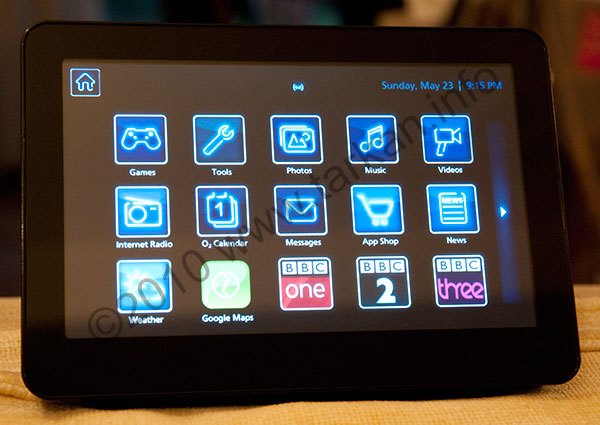
It is a great piece of kit especially when you consider the price, and once you discover this thing is running a stripped down version of Ubuntu – all sorts of possiblities open up. The hardware is made by Openpeak and it is based on their Openframe 7 hardware without all the phone stuff.
In my house I use Logitech’s squeezecenter/squeeze controller kit to distribute music around the house – and I thought looking at the Joggler it would make a perfect secondary display or even a great local way of controlling the music in a room (and much cheaper than Logitech’s hardware offerings).
Quick search on the internet will show you some great mods that people are doing with their Joggler’s including things like running complete Linux installations off plugin USB memory sticks.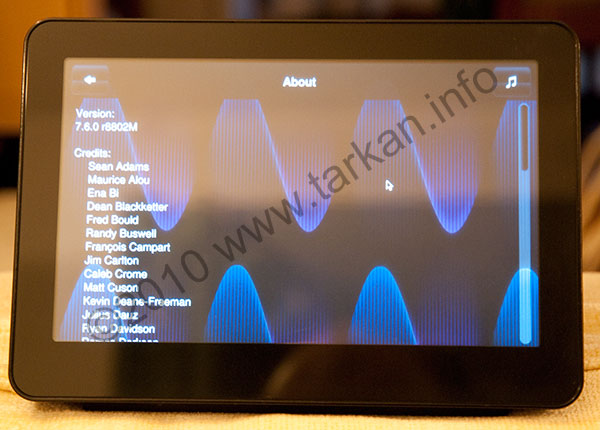
The only mod I wanted to do was run Logitech’s squeeplay software to control my music around the house and I wanted to run it off the native o/s on the Joggler without USB dongles sticking out the side.
So after a few days of scratching my head and playing around with Ubuntu and the Squeezeplay sourcecode, I managed to compile the latest version of Squeezeplay v7.6.0 8802 (this is from the beta branch, but thats because I run v7.6 of the Squeezecenter Server software).
Once that was compiled and tested, I decided to also integrate the excellent skin created by 3guk that can be found here. This skin makes Squeezeplay fit Joggler’s screen like a glove. 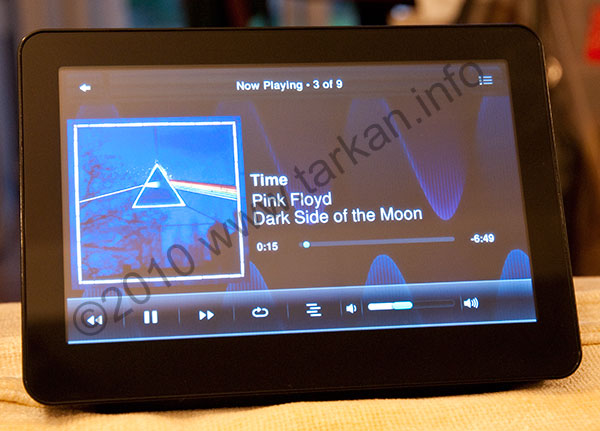
And with the creation of a simple script to aid in starting up Squeezeplay – I can now release my guide to running Squeezeplay on a native Joggler.
The Guide
Disclaimer/Warning: I am not responsible for any damage you cause to your Joggler by following any information you read here. You have been warned.
Firstly to use this guide you need to enable Telnet or SSH access to your Joggler. To do this visit JogglerWiki and read all the quite simple instructions.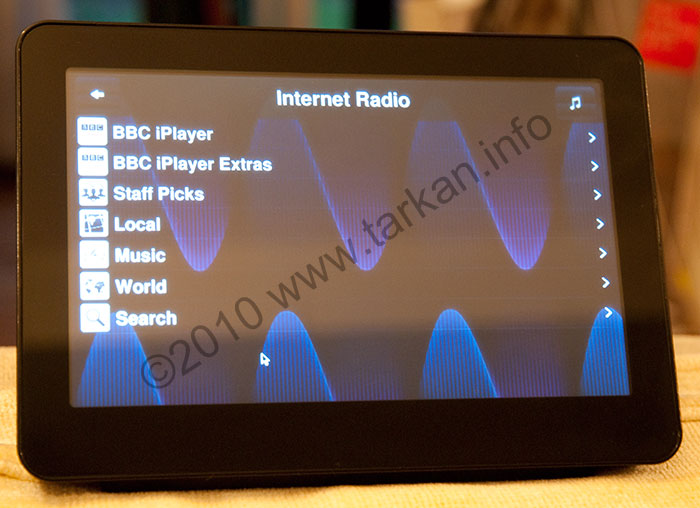
So once you have got remote access to your Joggler and you have a suitable client (I use Putty as I am windows based).
Log in to your Joggler and execute the following commands. If you are using Putty, you can copy and paste line by line rather than typing it all in.
cd /

wget http://www.tarkan.info/images/squeezeplay-joggler76.tar

wget http://www.tarkan.info/images/start-squeezeplay.sh

chmod a+rx start-squeezeplay.sh

tar -xvf squeezeplay-joggler76.tar

./start-squeezeplay.sh
Once it is all working you can remove the original tar file
rm squeezeplay-joggler76.tar
The startup script sends all the logging information to a file in the squeezeplay directory, to access this use the following command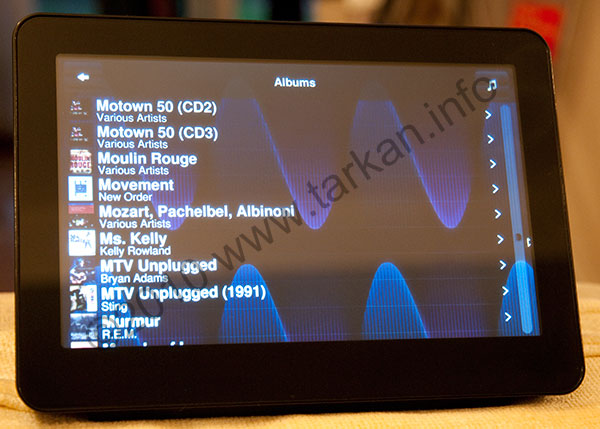
more /media/squeezeplay/log.txt
Remove
To remove squeezeplay, just type these commands from your telnet/ssh session.
If you are running my previous squeezeplay build, please remove that by
doing the following in your telnet/ssh session.
rm /start-squeezeplay.sh

rm -rf /media/squeezeplay
I do suggest installing this patch which lets you fix the backlight issues with the standard o/s information here. I have it setup for autodimming and find it works really well with the Squeezeplay interface.
This is only the beginning when it comes to modding the Joggler, there are so many things to do and fix. Things that are in need of attention :-
- You need to Telnet/SSH to start squeezeplay
- No access to the underlying native O2 applications
So still lots of work to do, but I think totally do able!!! Enjoy….
Pingback: O2 Joggler into a squeezebox
Yes I have the same problem, I think the squeezeplay is broken when it comes to playing the iPlayer BBC channels.
It could be a codec issue not sure – we can only hope newer builds of squeezeplay will fix it.
I’ve installed this, and am struggling to get BBC radio stations to work. It says that it is playing but no noise comes out. other stations such as XFM work okay. Any help gratefully received
This is great stuff. Nice one
thanks for this – really good work. the possibilities the joggler offers never really seemed realised for me until this.
like a few people have already requested….get your paypal details out somewhere and i’d definitely get you a beer for this.
thanks again.
No need to appolgise Tarkan, I wish I was smart enough to do this stuff myself. Thanks Mate off to check it out right now 😉 I’ll let you know how I get on.
Sorry, slight delay 🙂
But it is launched and you will find it on the homepage.
Hi There
Any news on the new script ? Or have I miss interpreted “Later”
Thanks for all the great work on this Tarkan, I will be sending some beer tokens as soon as funds permit (if I can find your PayPal addy. 😉
Limitless bandwitdh available on my dedicated server if you need it.
Okay Tarkan, thank you.
If someone might bump into one at their local O2 shop, let me know.
The new single script install will be launched later and I will post a new article explaining – I will also be expecting some donations as hosting these files is going to it my webserver.
Hans, sadly looks like O2 have stopped selling them – they have told me they may get some more in stock but do not know when – so it looks like you need to look at the secondhand market.
Hi Tarkan,
The Joggler seems like the perfect device for controlling my squeezebox server. Finally a baisc touch device for a good price. Since I’m in Holland I’m not able to buy the device on- or offline.
Could you buy me this device and send it to me? I have a paypal account from where I could transfer the money.
If you tell me the costs of the device and tell me the shipping costs and tell me what reasanable amount you would like to have for all the hassle, that would be great!
Regards,
Hans
Hi Mate
Would love to try your new script been using Squeezeplay on Discas Image but running native would bemore Wife friendly 😉
@ Justin,
Yes this happens to me also, irrespective of whether I try Tarkan’s version or the Ubuntu setup! I have no idea why, it’s just frustrating given that for an hour or so it works brilliant, then the next day it requires a hard reboot 🙁
Great work though!
Hi again.
Been using this on my Native Joggler; set bootup script to run squeezeplay on startup. However after a few hours(?) the sound stops, so can no longer use the joggler as a player; although works fine to control other squeezebox devices. Anyone else have the same issue? Not really sure even how to investigate further.
Thanks!
ps. Paul on 6th June mentioned updated installer with icon – where is this?